If you run a cleaning business, AI tools can be pretty handy for automating repetitive tasks, organizing schedules, and even helping you find more customers. I’ve seen a lot of cleaning business owners transform their daily operations just by picking the right tech. Here, I’m breaking down the best AI powered tools to help tackle day to day work, attract more clients, and grow your cleaning business—all with relatable tips and real examples along the way.
Why Cleaning Businesses Are Turning To AI Tools
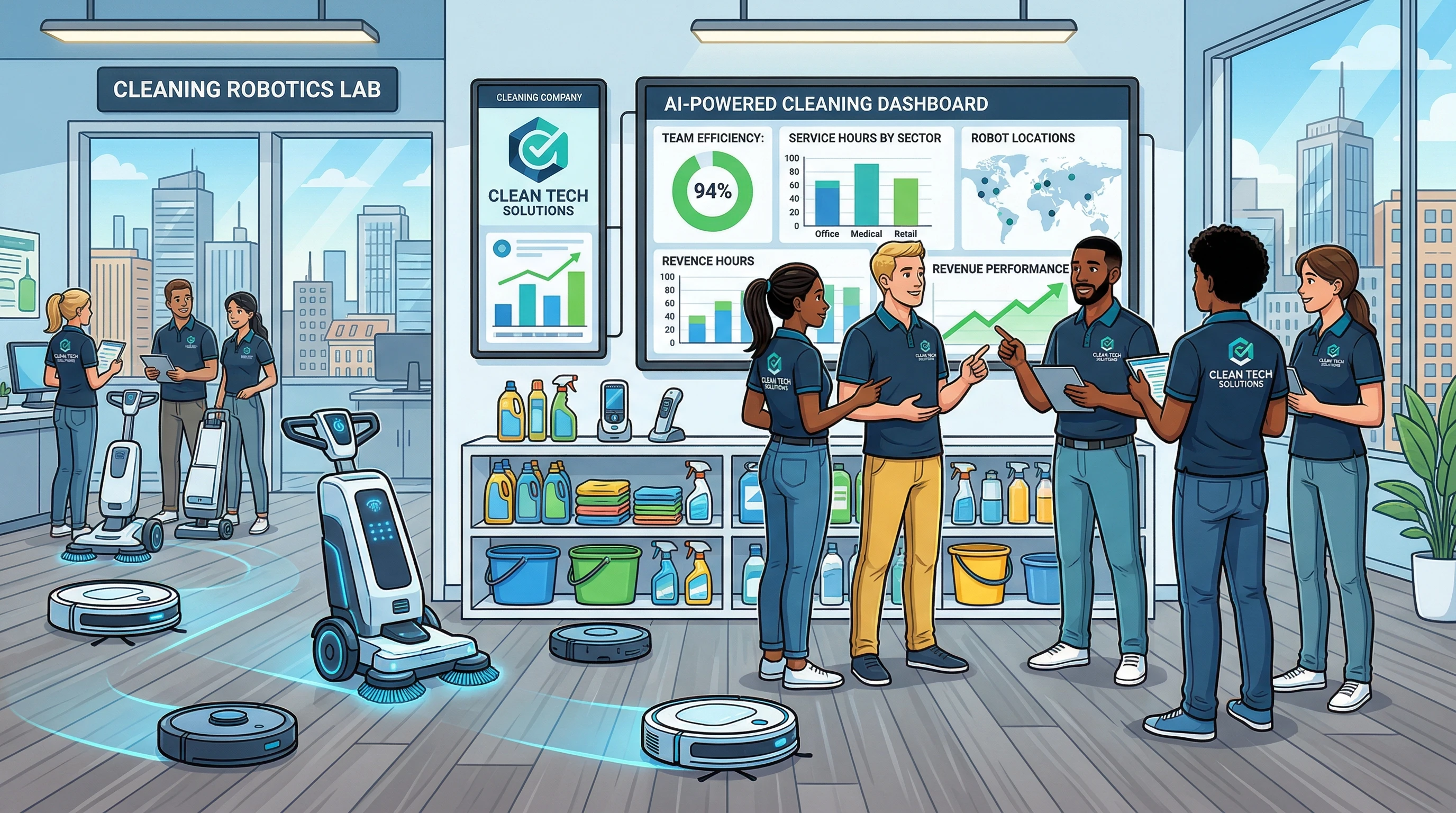
AI has changed the way cleaning businesses get things done. With more customers wanting quick responses and cleanliness levels rising (especially after COVID-19), efficiency is super important. Using AI, a small cleaning team can automate tasks like sending invoices, tracking staff hours, and reminding clients of bookings, saving hours every week.
Market reports show that more cleaning service providers are investing in automation. By using AI driven apps and platforms, companies can focus less on paperwork and more on real cleaning jobs or customer care. It’s not just about being popular; it’s about staying competitive and running smoother operations.
From chatbots on your website to AI powered route planning for teams, there’s a huge range of ways to streamline your cleaning business with smart tools. By putting some of these systems into place, you can respond to client needs faster and run your team more efficiently. If you’re wondering whether to add AI, think of it as adding an extra pair of hands, or even another brain, to help manage the details that usually slow you down.
Best AI Tools For Cleaning Business: My Top Picks
Over the last couple of years, I’ve tested a bunch of tools, and some are genuinely game changing. Here are a few I recommend for most cleaning businesses:
- Jobber: Scheduling, invoices, booking reminders, and payments all in one platform. The AI assistant helps organize routes based on traffic and job location.
- Breezly: Chatbot for cleaning business websites that can answer FAQs and book new appointments 24/7. Really useful if you get late night inquiries or want to free up phone time.
- CleanGuru: Proposal automation and smart quoting tools that adjust pricing based on client needs and square footage. This saves time on back and forth with clients.
- Sweeply: Workforce management AI that tracks cleaners in the field and alerts you if there’s a delay, helping you be proactive with clients.
- QuickBooks with AI Invoicing: Automatic billing, payment reminders, and expense tracking. The AI assistant can even flag suspicious expenses or late payments.
Each of these tools has a special use case for cleaning service providers, from booking new clients faster to running payroll like a pro. In addition, each tool can be customized to fit the needs of small local companies or bigger regional businesses. Whether you’re a solo operator or have a crew of ten, a smart AI tool can help you get more done in less time.
Getting Started: Step By Step AI Setup For Cleaning Services
The tech may sound complicated, but setup is usually pretty simple. Here’s how I tell new cleaning business owners to get started:
- Pick your priority problem: Are you losing time scheduling, finding customers, or keeping up with bookkeeping?
- Choose a tool that solves it: For scheduling and routes, Jobber works great. For faster online bookings, Breezly is worth checking out.
- Sign up for a free trial: Most of these apps give you a 7 to 30 day free trial. Demo the features you care about.
- Connect with your other software: Sync with Google Calendar, email, or accounting apps to make everything work together. Jobber, for example, integrates with QuickBooks and Mailchimp for a smoother workflow.
- Test with your team: Try it for a week or two, ask your team what’s helping and what’s confusing, and adjust the setup as needed.
It doesn’t take more than a couple of hours to set up most tools. I’ve seen a team of three cleaners save up to five hours a week after just one month with Jobber and Breezly running together. If you’re not sure where to begin, it often helps to start with a simple online booking tool and then add on features like smart scheduling or AI driven quoting as you go.
Pricing Comparison: How AI Tools Stack Up For Cleaning Businesses
Pricing matters, especially for smaller operations on tight budgets. Here’s what you can expect to pay for each of these tools (as of early 2024):
- Jobber: Starts at $19/month for a single user, $49/month for up to 7 users. Larger packages add custom features for bigger teams.
- Breezly: $29/month for unlimited chatbot responses. Price goes up if you need more advanced AI features or custom branding.
- CleanGuru: $59/month for proposal automation. This includes smart templates and realtime pricing suggestions.
- Sweeply: $39/month for workforce tracking with automated alerts. No long term contract required.
- QuickBooks with AI features: $30 to $70/month, depending on the package (Simple Start is usually enough for solo businesses).
Two or three tools combined can handle everything from leads to invoicing for under $100/month. If you compare this to hours saved each week, most owners tell me it pays for itself in the first month or two. And remember, as your business grows, you can easily switch up your subscription or add more features without much hassle.
Real World Examples: How Cleaning Businesses Use AI Every Day
I’ve seen lots of examples where AI tools made an immediate difference. Here’s how a few owners put them to work:
- Increasing bookings: A local residential cleaning company in Florida used Breezly’s chatbot to capture leads from their website after hours. They booked five extra jobs their first month, with no extra hours spent answering calls.
- Smarter scheduling: A commercial cleaning team in Texas set up Jobber to organize teams based on high traffic routes, cutting drive time by 20 percent and lowering their gas bill.
- Effortless proposals: A small business owner got CleanGuru to handle job quoting and proposals. The tool sent out custom quotes instantly, so they could respond to new requests faster and pick up more business.
- Improved team oversight: With Sweeply, a cleaning supervisor in Chicago got instant pings if a staff member ran late. She could update clients or send backup staff quickly.
- Smoother payments: Using QuickBooks’ AI powered reminders, an owner in California shaved a week off their average time to payment and stopped chasing down unpaid invoices by hand.
In my experience, these kinds of wins happen pretty quickly; you won’t be waiting months to notice the impact. Some cleaning companies even saw happier clients because communication got faster and more accurate—no more missed bookings or forgotten updates.
Potential Challenges And Practical Advice
Switching to new tech always brings a couple of bumps. I usually hear these issues:
- Learning curve: Not everyone on your team will love new apps right away. Spend a bit of time training folks and use the help sections or tutorials most platforms provide.
- Integrations: Make sure your accounting, calendar, and email tools can sync. Double check compatibility before investing in a new system.
- Cost concerns: Start with free trials or monthly plans (almost all these tools offer them) until you know what actually works for your needs. Avoid signing long term contracts in the beginning.
- Data privacy: Always check if the platform is secure, especially if storing sensitive customer info. Look for “SSL” and data protection certifications when signing up.
As more cleaning businesses turn digital, it’s really important to pick tools that match your service style and don’t over complicate your daily routine. Communication is key; check in with your team regularly about what’s working or not, and keep tweaking your setup as you go.
Advanced Tips: Making the Most of Your AI Tools
Once you’ve picked a few tools and sorted out the basics, here are a couple of ways to make sure you’re squeezing the most value out of your monthly investment:
Automate as much as you can: Set up auto reminders for clients, recurring jobs, and feedback surveys. The fewer manual texts or emails you send, the more time you can put toward growing your business.
Analyze your data: Many of these tools have builtin analytics dashboards. Use these to see your busiest booking days or which kinds of jobs bring in the most money. One business owner I know used Jobber’s stats to find out that Friday afternoons were their best time for upselling deep clean extras.
Keep customer records updated: Let AI automatically log job notes, supply usage, or billing info. This history comes in handy if a regular client asks for the “same service as last spring.”
Explore new marketing tools: Some systems like Breezly or Jobber offer addons for digital ads or referral programs that reach new potential customers with almost no extra work.
Using all these features isn’t necessary right away, but a bit of experimenting is the easiest way to see what helps your unique workflow. Over time, you’ll stumble upon new shortcuts or integrations that can help your team work even smarter. Keep an eye out for software updates or new tools that might fit your workflow.
Frequently Asked Questions on AI In Cleaning Businesses
I get a lot of questions from cleaners who are curious about AI and automation. Here are the most common ones:
What if my staff isn’t comfortable with tech?
Take it slow. Start with just one tool, run a demo together, and encourage them to ask questions. Most AI tools these days are designed to be as userfriendly as possible.
Do I need to invest a lot upfront?
You don’t need a big investment. Take advantage of free trials and monthly subscription options before making any big commitments.
Will AI replace my office manager?
AI will not replace people. It just makes their work easier. You can automate dull, repetitive tasks like data entry so your staff focuses on customer care and problem solving.
How do I know which tool is right for my business?
Focus on your biggest pain point (scheduling, leads, payments, etc.), demo two or three solutions, and check in about integration with your current software. Look for reviews from other cleaning business owners, too.
Is my customer data safe with AI tools?
Reputable tools use strong encryption and follow privacy regulations. Check privacy policies and security certifications before uploading sensitive information.
Wrapping up, bringing AI to your cleaning business can really give a boost to your productivity, save you time, and help you provide nextlevel cool service for your clients. Don’t be afraid to try new tools and adjust as you grow. The right tech can smooth the way for growth, happier clients, and more free time for you and your team.